An event organizer has decided they want to book you. This is the moment most speakers think the hard part is over. It is not. The organizer now needs a headshot for the event programme, a bio for the introduction, a list of your topics to confirm with their committee, your technical requirements for their AV team, and your contact details to finalize the booking. If you do not have all of this ready in one place, the organizer has to email you and wait. Momentum cools. Sometimes the booking stalls entirely while they wait for assets that should have taken thirty seconds to access.
This is exactly what a media kit solves. It is a single, downloadable collection of everything an organizer needs to promote, introduce, and host you, available the moment they decide to move forward. Speakers who have one make the booking process effortless for the organizer. Speakers who do not create friction at the precise moment they should be making things easy.
This guide is a complete checklist of what belongs in a professional keynote speaker media kit, why each element matters from the organizer’s side of the booking process, and how to format and deliver it so it actually gets used.
What a speaker media kit actually is
A speaker media kit, sometimes called a one sheet or press kit, is a single downloadable file, usually a PDF, that contains everything an event organizer or their team needs to promote you, introduce you, and host you at their event. It is built once, updated regularly, and made available as a one-click download directly from your website.
The nine elements every speaker media kit needs
Not every element below needs equal space. Some media kits are a single page, others run to two or three. What matters is that every item is present somewhere, easy to find, and current.
1
Two versions of your bio: short and long
Organizers need your bio in different lengths for different purposes. A short version for event programmes and social media posts. A longer version for website listings and detailed introductions. Writing both in advance saves the organizer from having to cut your bio down themselves, which often produces an awkward result that does not represent you well.
What to include:
Short bio: around 50 to 75 words, written for programmes, social posts, and quick introductions
Long bio: around 150 to 200 words, written for website listings, detailed event materials, and press use
Both versions should be written in third person, since organizers use them as-is in their own materials
Open with the most specific, human, or differentiating detail about you rather than a list of job titles
Common mistake:
Providing only one bio length and assuming the organizer will edit it themselves. Most will not have time, so they either use it as-is even if it does not fit, or they write something generic in its place.
2
A professional introduction script
Whoever introduces you on stage, often someone who has never met you and has thirty seconds to read a script cold, needs exact wording that is easy to read aloud and lands well. Leaving this to chance means risking a flat, awkward, or inaccurate introduction right before you walk on stage, at the exact moment you most need momentum in the room.
What to include:
Write a 75 to 150 word script specifically designed to be read aloud, not just read silently
Use short sentences and natural speech patterns rather than dense, written-style language
Include phonetic pronunciation notes for your name if it is ever mispronounced
End the script with a clear, energetic cue for applause as you walk on stage
3
High-resolution headshots, including a stage photo
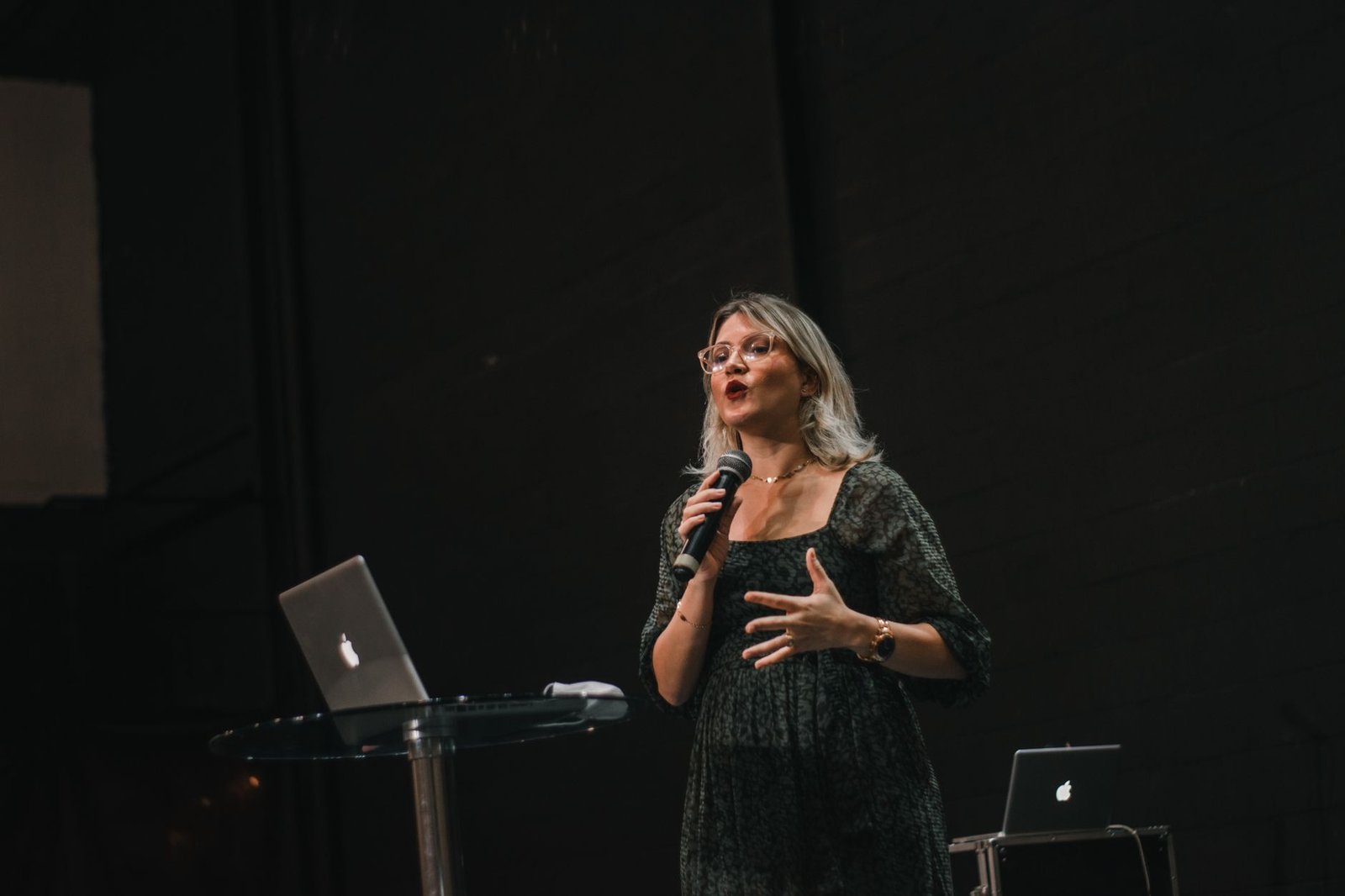
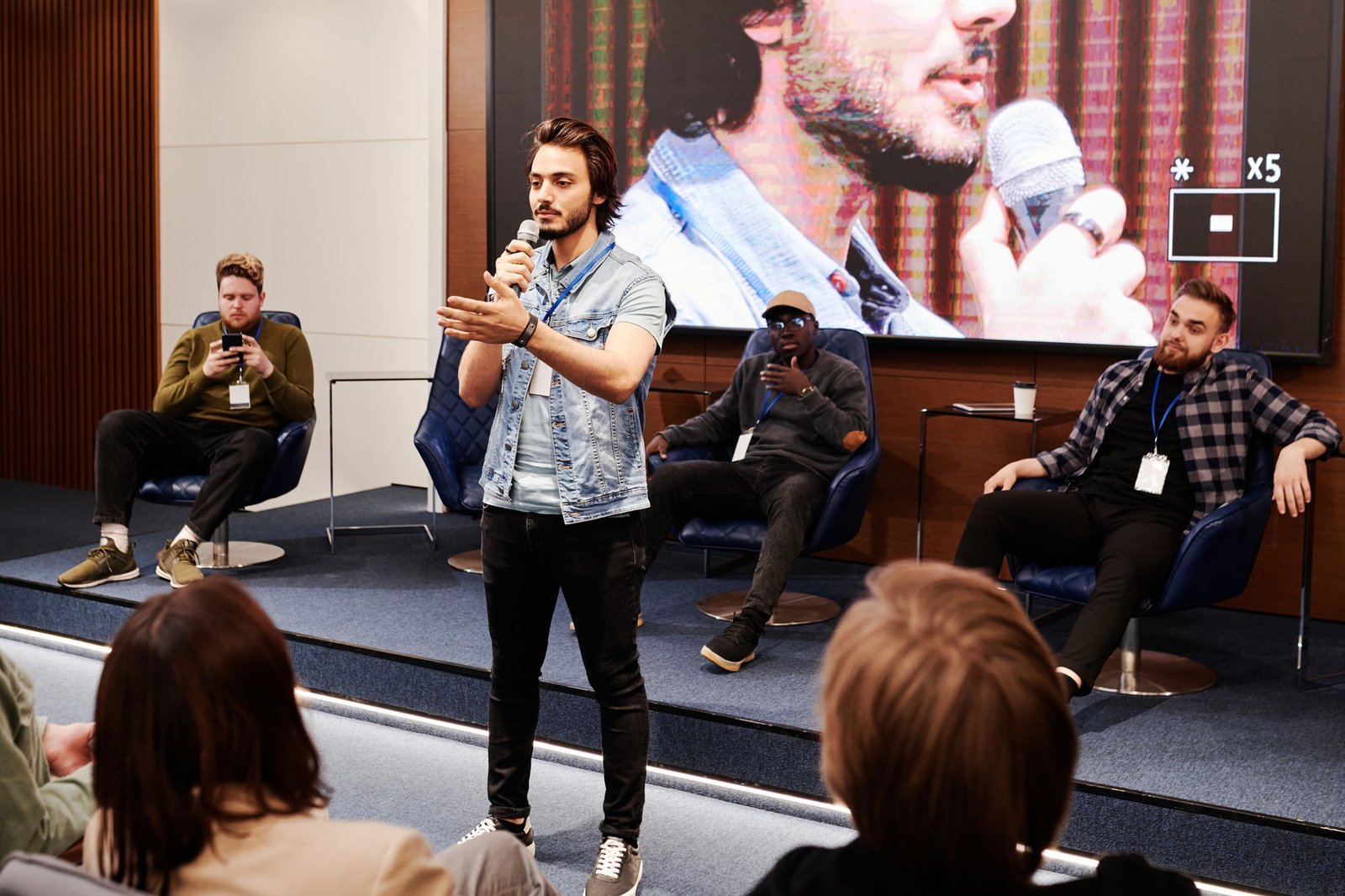
Organizers need at least one clean headshot for programmes, websites, and press materials. But a headshot alone only shows who you are. A stage photo, you actively presenting in front of a real audience, shows what you do and proves you have genuine speaking experience. Both types serve different purposes and an organizer may need either depending on what they are creating.
What to include:
At least one professional headshot, high resolution, with a clean or neutral background
At least one photo of you actively presenting on stage in front of a visible audience
Provide images in landscape and portrait orientation if possible, since organizers use both for different layouts
Make sure files are high resolution (300 DPI minimum) so they print clearly in event materials, not just on screens
4
Your keynote topics with clear, specific descriptions
This is the section of your media kit that does the most strategic work. The organizer (or the committee they report to) is using this section to confirm you are the right fit for their specific event. A vague topic list forces them to guess. A specific one, written around outcomes rather than themes, lets them make the case for you internally without needing to ask follow-up questions.
What to include:
List two to five distinct keynote topics, not more. More than five dilutes how clearly any single one is understood
For each topic, include a title, the target audience, and one to two sentences on the specific outcome the audience walks away with
Note available formats and durations for each topic: a 30-minute keynote, a 60-minute keynote, a half-day workshop
Avoid single-word themes like Leadership or Resilience. Describe the specific problem the talk solves and for whom
Common mistake:
Listing topics as one-word themes with no further explanation. An organizer cannot pitch “Leadership” to a committee. They can pitch a specific, outcome-driven description in a single sentence.
5
Testimonials, prioritizing event organizers over audience members
Testimonials in a media kit serve a different purpose than testimonials on your website. Here, they need to work fast: a planner skimming your media kit should be reassured within seconds that booking you is a safe, well-regarded decision. Quotes from other organizers carry more weight in this context than audience praise, because the reader identifies directly with the person giving the quote.
What to include:
Include two to four short testimonials, prioritizing quotes from event organizers or corporate clients over individual audience members
Keep each quote to one or two sentences. Long testimonials get skipped in a document designed to be scanned quickly
Attribute each quote with a name, title, and organization wherever possible. Anonymous or vague quotes carry far less weight
Rotate in your most recent and most relevant testimonials as you collect new ones rather than using the same quotes indefinitely
6
Past speaking engagements and recognizable client logos
A simple list of organizations and events you have spoken for, ideally shown as logos, gives an organizer instant, low-effort validation. This works on the same psychological principle as testimonials: people trust decisions that other credible organizations have already made. Even three or four recognizable logos meaningfully increase an organizer’s confidence.
What to include:
Include a logo strip or simple list of the most recognizable organizations or events you have spoken for
If you are early in your career and do not yet have well-known clients, list event types or industries instead (e.g. “Spoken at 12+ regional HR conferences”)
Keep this section current. Outdated or sparse logo lists undercut credibility rather than building it
7
A link to your speaker reel
Your reel cannot live as a video file inside a PDF in a way that plays reliably, so the media kit should include a clear, working link or QR code to it, hosted on YouTube or your website. According to 2024 industry research, the vast majority of buyers and event planners specifically want to see video before making a hiring decision, which makes this one of the most important links in the entire document.
What to include:
Include a direct, clickable link to your reel, not just a mention that one exists
Add a QR code as well if the media kit is likely to be printed or viewed on a projector during a meeting
Make sure the link goes directly to your most current reel, not an outdated version from several years ago
If you have topic-specific clips in addition to a general reel, consider linking to those separately for the relevant topic section
8
Technical and logistical requirements
This section is for the organizer’s production and AV team, not the decision-maker, but it needs to be in the same document so nothing gets lost in handoffs between departments. Clear technical requirements prevent last-minute scrambling on the day of the event and signal that you run a professional operation.
What to include:
AV requirements: microphone type, screen and projector needs, internet access if required
Travel and accommodation preferences if relevant to your booking terms
Any props, materials, or special staging needs for your specific keynote
Your preferred arrival time and any pre-event tech check requirements
9
Clear contact and booking information
This sounds obvious, but it is one of the most commonly mishandled elements. An organizer who is ready to move forward needs to know exactly who to contact, how, and what happens next. Any friction here, an outdated email, a missing phone number, no clear next step, can stall momentum at the exact moment it matters most.
What to include:
Your direct contact email and phone number, or your booking manager’s details if you have one
A link to your booking or inquiry page if you use one, alongside the direct contact details
Your general availability and any notice period required for bookings
A note on typical response time so the organizer knows what to expect after reaching out
Common mistake:
Routing all contact through a generic website contact form with no direct email visible. Organizers ready to book want a direct, fast way to reach you, not a form that may or may not get a timely response.
How to format and deliver your media kit so it actually gets used
Having the right content is only half the job. How the media kit is formatted and delivered determines whether organizers actually use it or quietly work around it.
Deliver it as a PDF, not a Word document or a series of separate files. A PDF opens consistently on every device, prints cleanly, and cannot be accidentally edited by whoever receives it.
Keep it to one or two pages for most speakers. If you offer a truly wide range of formats and topics, two to three pages is acceptable, but the less content required to communicate your value, the easier you are to evaluate quickly.
Make it a one-click download directly from your website, with no email gate or form required. An organizer who has to submit their email just to see your media kit experiences unnecessary friction at a stage where they are still evaluating, not yet committed.
Update it every time something meaningful changes. A new testimonial, a new client logo, an updated reel, or a fee change should trigger a media kit update. An outdated kit undersells where you currently are in your career.
Match your media kit’s visual design to your website and brand. A media kit that looks visually disconnected from your website creates a subtle inconsistency that undermines the professional impression you have built elsewhere.
Check your current media kit against this list
Do you have both a short and a long bio version ready to send instantly?
Is your introduction script written specifically to be read aloud by a stranger?
Do you have both a headshot and a stage photo in high resolution?
Are your keynote topics described with specific outcomes rather than single-word themes?
Does your media kit include testimonials from event organizers specifically, not just audience members?
Is your media kit a one-click PDF download on your website with no email gate?
Have you updated it in the last six months?
What is the difference between a media kit and a speaker one sheet?
The terms are often used interchangeably, but there is a practical distinction. A speaker one sheet is typically a single page summarizing your topics, bio, and contact details, used as a quick-reference pitch document. A media kit is usually a more complete package, sometimes one page and sometimes several, that includes everything from your one sheet plus additional assets like your introduction script, multiple photo formats, technical requirements, and a fuller set of testimonials. Many speakers use a one sheet as the first page of a longer media kit.
Should a speaker media kit include speaking fees?
This depends on your stage and preference. Some speakers include a general fee range to pre-qualify inquiries and save time on conversations that are not a budget fit. Others prefer to discuss fees directly so they can tailor pricing to the specific event, format, and travel involved. If you choose not to list a fee, make sure your contact information makes it easy for an organizer to start that conversation quickly. There is no single correct approach, but consistency between your media kit and your website is important either way.
How often should a speaker update their media kit?
Review your media kit at least every six months, and update it immediately any time something significant changes: a new testimonial, a recognizable new client, an updated reel, a new keynote topic, or a change to your fee. A media kit that has not been touched in over a year often understates how far a speaker’s career has progressed since it was last updated, which can quietly work against speakers who are otherwise in a strong position to raise their profile or their rates.
Where should a speaker host their media kit?
The most effective placement is a clearly labeled, one-click download directly on your speaker website, typically linked from your homepage and your media or press page. Avoid gating it behind an email signup form, since organizers evaluating you are not yet ready to be added to a marketing list and the extra step creates unnecessary friction. You can also keep a copy ready to send directly by email whenever an organizer requests it, but having it instantly accessible on your website removes friction at the exact moment an organizer wants it.
Do I need a designer to create a professional media kit?
Not necessarily, but the visual quality of your media kit reflects directly on your perceived professionalism. Tools like Canva offer accessible templates that can produce a clean, professional result without a dedicated designer. For speakers who want their media kit to be visually consistent with a custom-built website and brand identity, working with a designer or a website specialist who can produce both together typically creates a more cohesive and professional result than building each piece separately.
Want your media kit built directly into your speaker website?
Every speaker website StageNexa builds includes a properly structured media kit page with a one-click PDF download, so organizers have everything they need the moment they decide to book you. Book a free call and we will show you what a complete, booking-ready media kit looks like for your specific niche.